The WALL

The live Instagram story wall we built for our own events, now free for every production team
01
Locally Run
02
Branded for your Client
03
3 Second Refresh

Instagram Stories displayed for Events
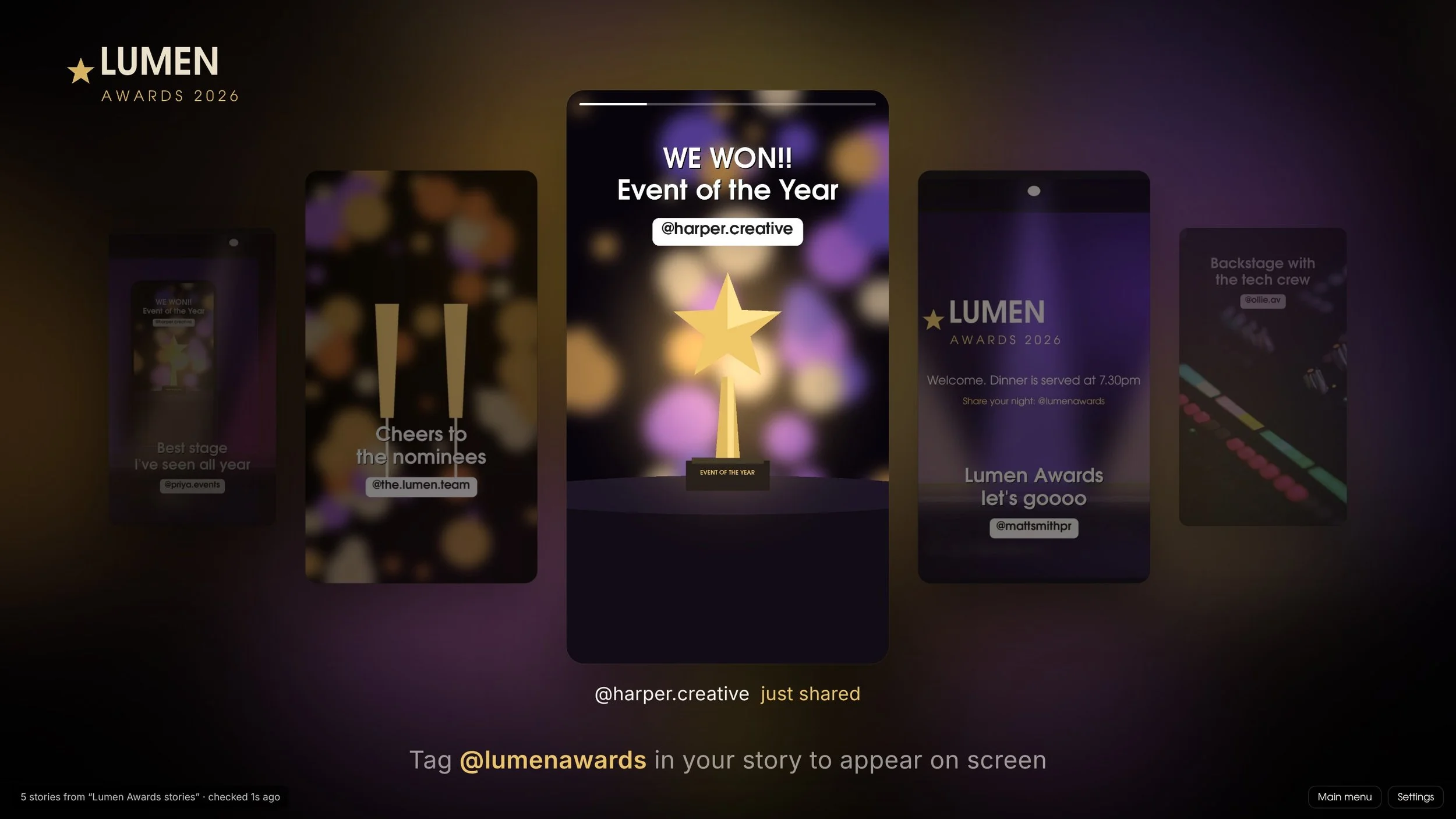
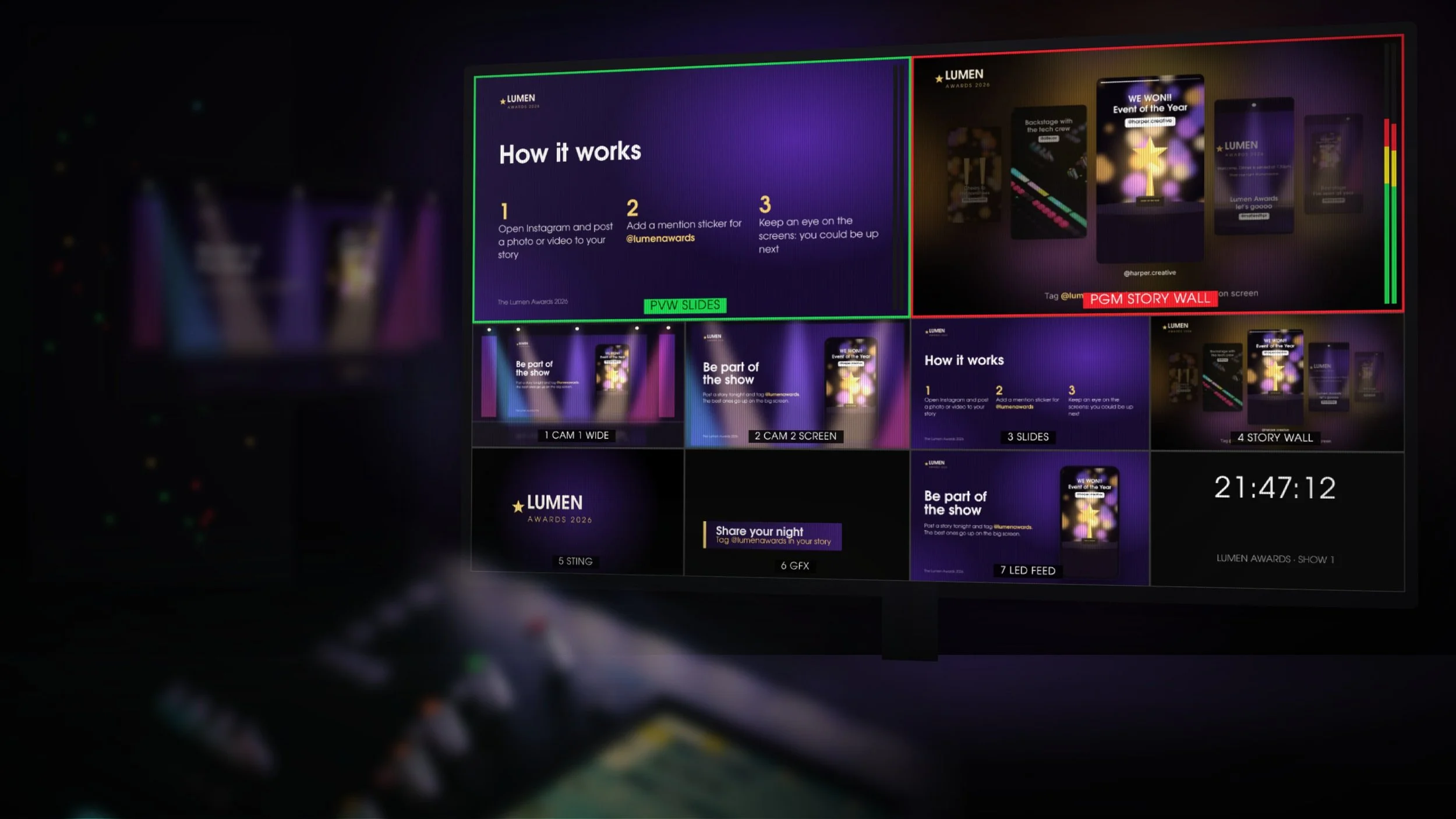
The Wall puts your guests’ Instagram stories on your event screens as the night unfolds. When someone tags the event in their story, your team approves it on a phone and drops it into a shared folder. Within seconds it’s on screen, sliding into a carousel that sits naturally in the room.
Built for Live Events
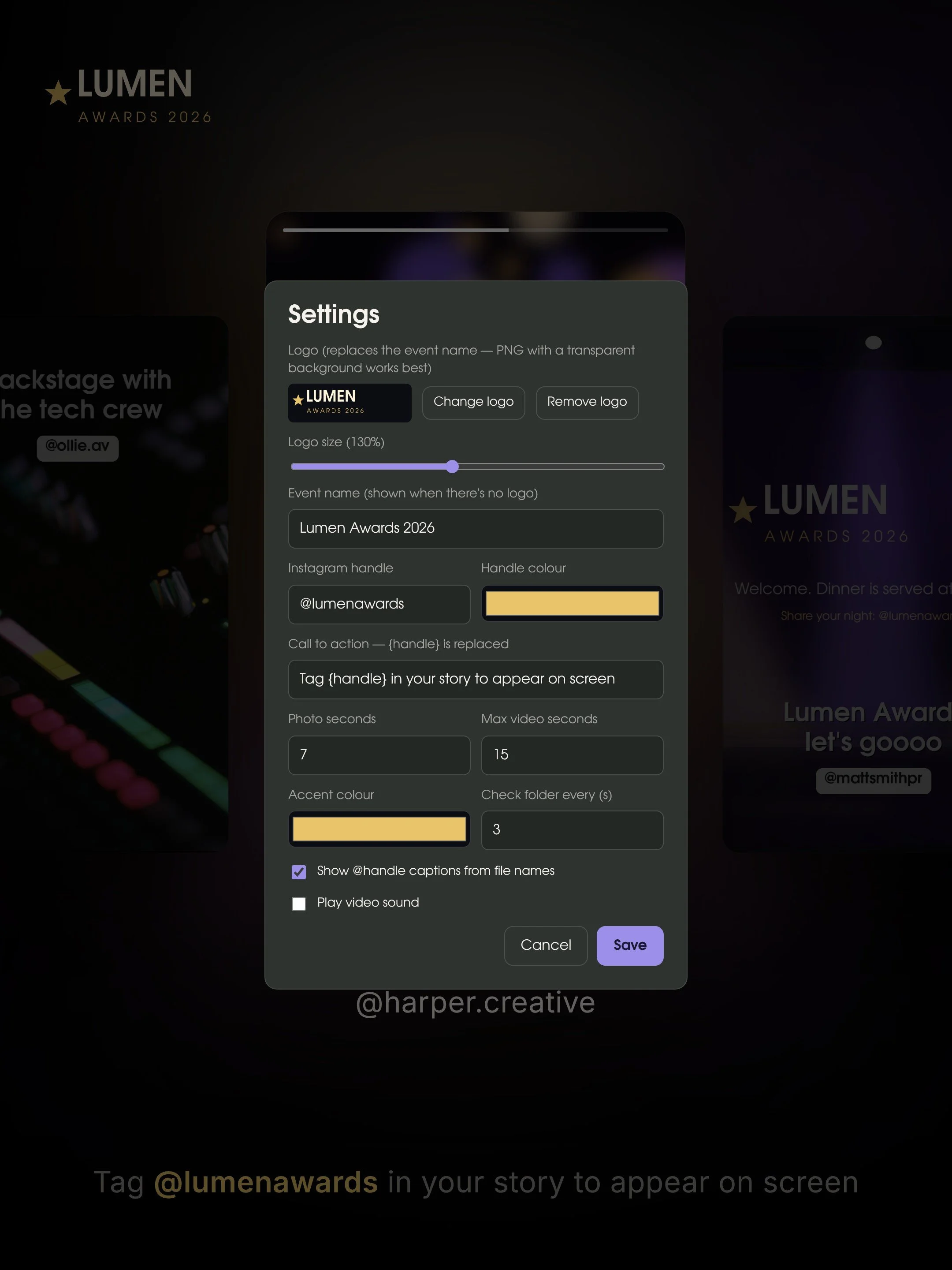
Brand it in a minute: add the client’s logo, handle and colours, and write your own call to action
Photos and videos play side by side, muted by default so your audio stays yours
New stories jump the queue and are marked “just shared”
Works on landscape screens, portrait LED totems and anything in between
Runs fully offline once it’s open, so venue Wi-Fi isn’t a single point of failure
No accounts and no subscription, and nothing is uploaded to us: everything stays on your machine
How it works
Open Story Wall in Chrome or Edge on your playback machine and point it at a cloud folder, such as iCloud Drive, Google Drive or Dropbox.
During the event, an operator reposts tagged stories from the event account, saves them to that folder, and the wall picks them up automatically.
Nothing reaches the screens without someone choosing it, and if something needs to come down, delete the file and it’s gone.